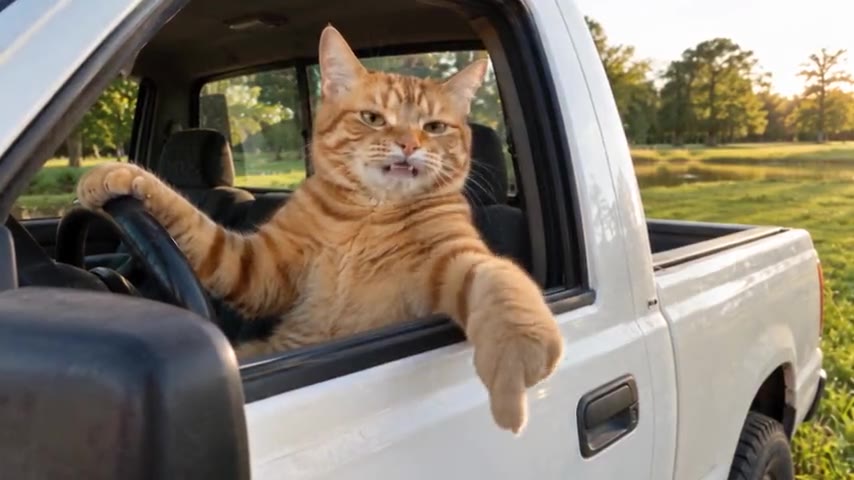
How to Do the Hit the Road Dude Trend on TikTok and CapCut: Lip-Sync, AI Version and Captions
How to do the Hit the Road Dude trend on TikTok: the lip-sync and AI versions step by step, adding captions in CapCut, hooks, hashtags, the right format and what to do if TikTok mutes it.
By Hit the Road Dude AI · Updated · 5 min read
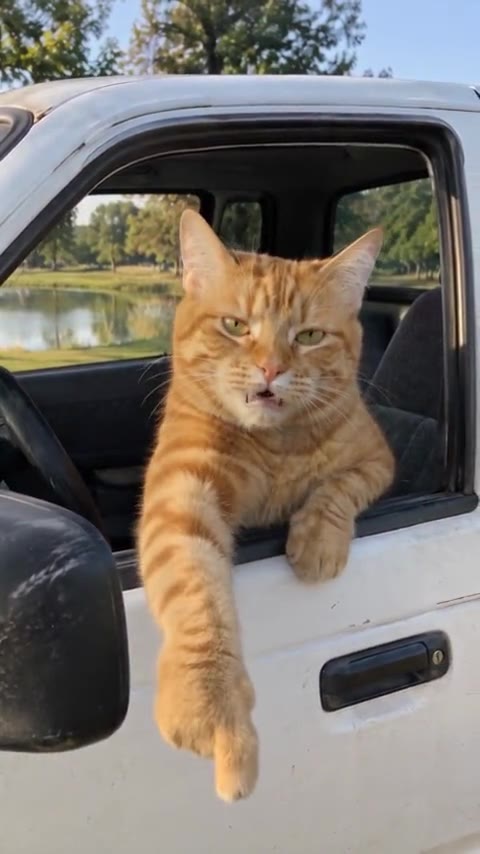
Three ways people post it
- Lip-sync: you act the lines over the original sound. Free, and the oldest version of the trend.
- AI version: you or your pet replace the orange cat in the white pickup. This is the version that took over in October 2026.
- Photo + sound: a still of whoever is guarding their turf, the sound underneath, captions on top. Quick and free.
Lip-sync version, step by step
- Find a video with the hit the road dude sound, tap the sound name and tap Use this sound. The sound guide shows where it is on TikTok, Reels and Shorts.
- Set the scene: the driver’s seat of a car with the window down is closest to the original. Prop the phone on the passenger side or have a friend film from outside.
- Learn the beats: a flat question, a baffled “State?”, then a dismissive brush-off.
- Record with the timer so you can start on the beat. Two or three takes is normal.
- Add captions (below), then post.
AI version, step by step
- Open the Hit the Road Dude AI generator and upload one clear, front-facing photo of you, a friend who agreed, or your pet.
- Pick the standard 15-second meme or the extended 30-second one, then Portrait 9:16.
- Choose a quality, from 100 credits at 480p. HD 720p is a good middle for TikTok.
- Press Generate and wait a few minutes, then download the video to your phone.
- On TikTok, upload it, tap Add sound and pick the hit the road dude sound so the post shows up under it.
Editing it in CapCut
CapCut is the usual place to add captions and a hook. Templates for this trend are made by users, change often, and only dress up footage you already have, so start from your own clip or the AI video.
- New project, import your video. If it is the AI version, it already has the audio.
- Tap Text and either use Auto captions and fix the wording, or add three text boxes by hand.
- Line each caption up with its beat on the timeline: “STATE?” on the disbelief, “HIT THE ROAD DUDE” on the brush-off, “THIS IS PRIVATE PROPERTY” on the last line.
- Add a hook in the first second, like “my cat when I sit in his spot”, so people know why to keep watching.
- Export at 1080p, 9:16, and post from TikTok so you can attach the in-app sound.
Caption and hook ideas
- “Me when someone sits at my desk”
- “My cat when I try to sit on the couch”
- “The dog when the mail carrier steps on the porch”
- “My mom when I open the fridge at midnight”
- On the extended version: “Your name is on the list.”
More scenarios, remixes and seasonal ideas are in 25 Hit the Road Dude meme ideas.
Posting settings that help
- Format: portrait 9:16, 1080×1920 if you can. The same file works on Reels and Shorts.
- Length: keep it to the sound. The standard cut is 15 seconds, which loops cleanly.
- Hashtags: #hittheroaddude, #privateproperty, #stateproperty, #hittheroaddudeai, and #catsoftiktok or #dogsoftiktok for pets.
- AI label: turn on TikTok’s AI-generated content label for the AI version. TikTok asks creators to label realistic AI-generated video.
- Muted upload: attach the in-app sound and lower the original audio.