Hit the Road Dude Song: Where the Sound Comes From and How to Use It
Looking for the “hit the road dude” song? It is the dialogue from the 2025 state property video, not a track and not “Hit the Road Jack”. Here is where it comes from, remixes, and how to use the sound on TikTok, Reels and Shorts.
By Hit the Road Dude AI · Updated · 4 min read
What the hit the road dude “song” actually is
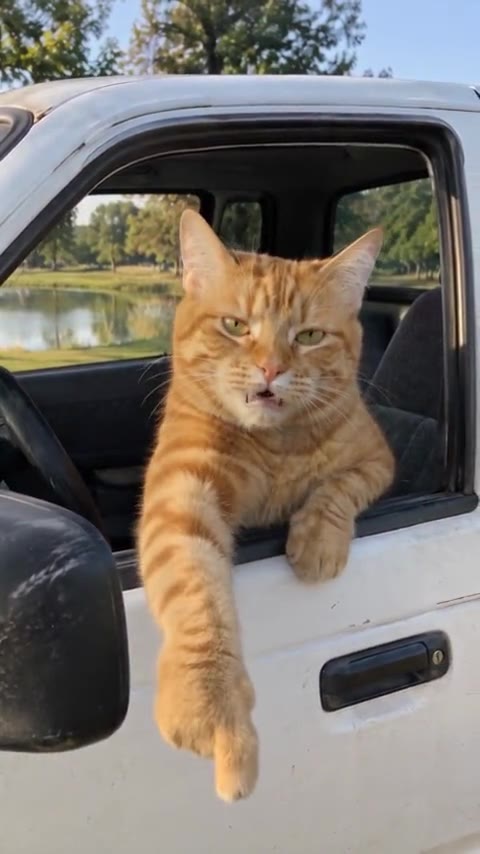
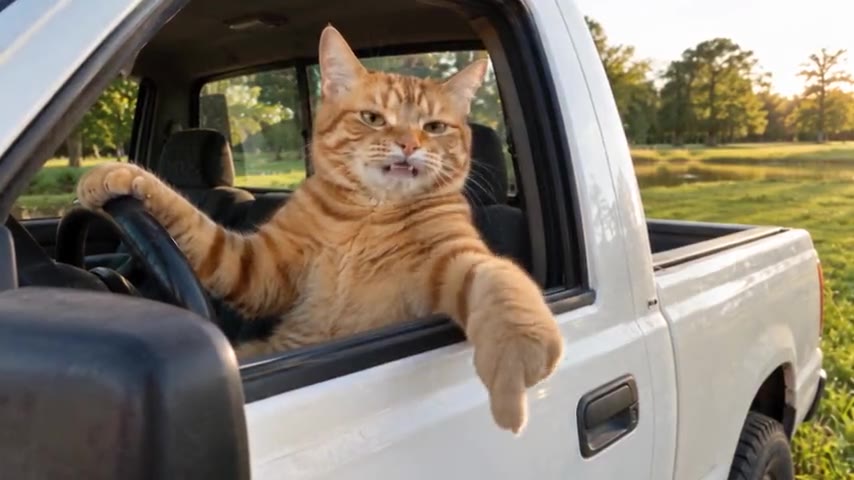
The audio comes straight from a phone video posted to TikTok in August 2025: an older man in a white pickup pulls up on two people fishing, they say they thought the pond was state property, and he answers “State? Hit the road, dude.” Short, rhythmic and easy to lip-sync, the dialogue got reused as a sound the same way a song clip would be, and it came back in October 2026 with the wave of AI remakes. The meme’s backstory has the full script.
So when people search for the “song”, they usually want one of three things: the original audio, a remix of it, or the name of the sound to use on TikTok.
It is not “Hit the Road Jack”
The phrase sends a lot of searches to “Hit the Road Jack”, the song written by Percy Mayfield that Ray Charles took to No. 1 on the Billboard Hot 100 in 1961. The two have nothing else in common: the meme’s audio is spoken, and nobody in it sings. If you hear a sung “hit the road” in a meme edit, it is a remix laid over the clip, not the original sound.
Remixes and sped-up versions
Like most viral audio, the clip has been chopped into beats, looped and sped up. Searching “hit the road dude remix” on TikTok or YouTube turns them up. Remixes come and go and are uploaded by individual creators, so the reliable choice for your own post is the original sound from a popular video, which is the version people recognize.
How to use the sound on each app
TikTok
Open a video that uses the sound, tap the sound name at the bottom of the screen, then tap “Use this sound”. Film or upload your clip and it plays underneath. Save the sound to your favorites to find it again later.
Instagram Reels
On a Reel with the audio, tap the audio name at the bottom, then “Use audio”. You can also save it for later from the same screen.
YouTube Shorts
On a Short that uses it, tap the sound or the Remix button and choose to use the sound in a new Short.
Using the in-app sound instead of a downloaded copy keeps the attribution to the original and makes it less likely your post gets muted.
An AI video with the sound built in
If you want the meme itself rather than just the audio, the Hit the Road Dude AI generator recreates the clip with your photo as the driver, and the original sound comes with it, lined up with the new driver’s mouth. The standard video runs 15 seconds, about the length of the sound most people use. Pick portrait 9:16 for TikTok, Reels and Shorts; if an app mutes the upload, attach the in-app sound before you post.